Space Shuttle
- Mosha e propozuar
- 5-8
- Vështirësi
- 3 / 5
- Detaje
- medium
- Zonat për ngjyrosje
- 76
- Mbulesë bojë
- 5.5%
- Rresht
- Medium
- Hapësirë më e ngushtë
- 0.5 mm
- Liçenca
- CC0 public domain: e lirë për përdorim në klasë dhe komercial
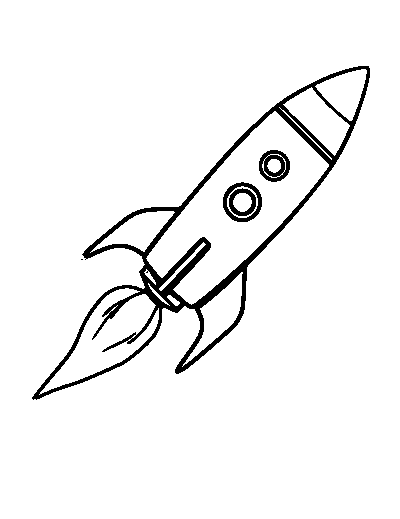
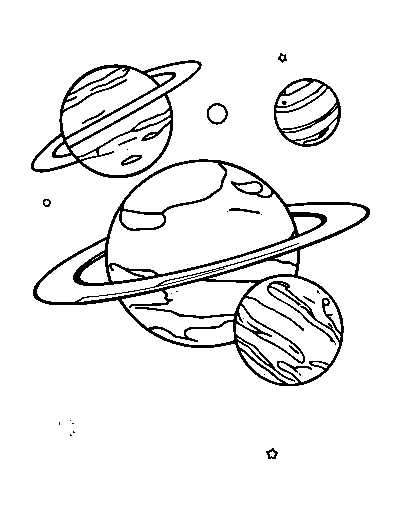
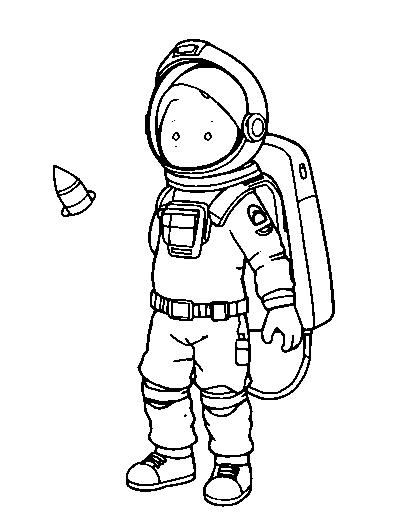
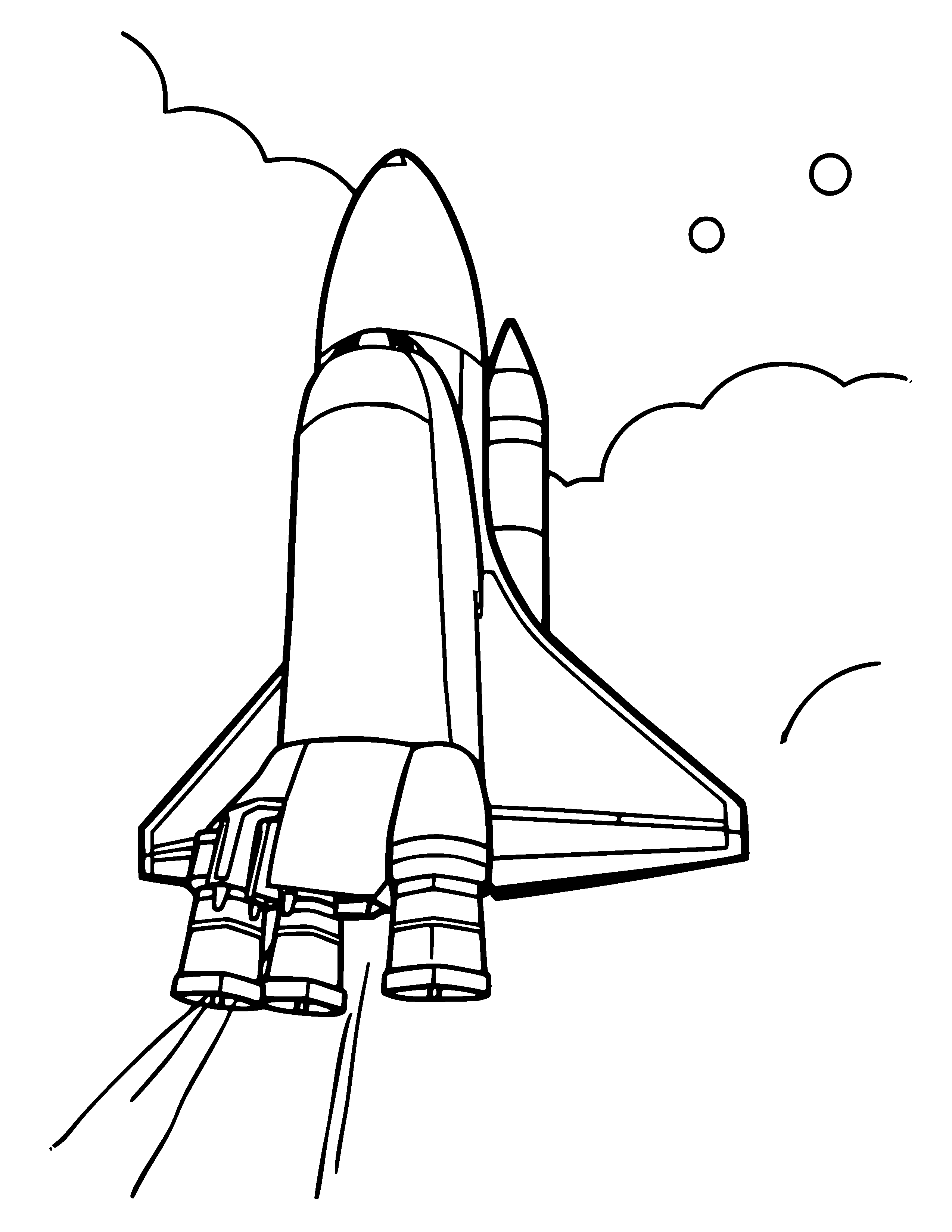
This is a free printable Space Shuttle coloring page. It has 76 separate areas to color, medium outlines, and covers about 5.5% of the sheet in ink. It prints on one page at 300 DPI on both US Letter and A4.
Printing this page
Standard 20 lb / 80 gsm copy paper is fine. This page uses very little ink, so it will not soak through or curl, and it costs almost nothing to print a class set.
Print at 100% scale rather than "fit to page". Both downloads already leave a 0.25 in (6 mm) margin, which is inside the unprintable edge of every common home and office printer, so nothing gets clipped. The file contains no color at all, so the black-only setting prints it faster and cheaper.
If it does not print right
If this page prints faint, the cause is almost always a draft-quality or toner-save setting rather than a low cartridge: there is very little ink on this page to begin with, so any economy mode shows immediately. Switch to normal quality and it will come out solid black.
What's on the page
There are 76 enclosed areas on this page: the separate pockets the outlines divide the drawing into. That is what decides whether a page feels quick or absorbing, far more than the subject does.
The narrowest channel between two lines measures about 0.51 mm at full print size. We measure this on every page because it is what decides whether a marker will bleed across an outline.
The composition is centered, which is worth knowing before you print: it determines how much white space sits around the edge of the drawing.
What to color it with
For this page we would use colored pencils or fine-tip markers. A broad marker will cross the narrower gaps before you can stop it.
Who this page suits
We put this page at roughly the 5-8 age range, based on the line weight and how many separate areas it has, not on the subject. Plenty of adults color pages meant for children and the other way round; the band is a starting point.
This suits an early-years classroom as an early-finisher task or a settling activity after break. It is long enough to occupy a child properly and short enough to finish in one session, which matters more than it sounds.
In a classroom it fits alongside science-space.
What to look for in this drawing
Vehicles are mostly straight lines and ellipses, which makes them unforgiving: a wheel colored slightly off-centre is immediately visible. Do the wheels and windows first while your attention is freshest.
How to color this page well
Work from the center of interest outwards, and leave the background until last. That way the background color is chosen to support what is already on the page instead of fighting it. If you want depth, press harder at the edges of each shape and lighter towards the middle: it is the fastest way to stop a flat fill looking flat.
Stay just inside the outlines rather than aiming exactly at them. A one-millimetre margin of white next to the line reads as crisp; crossing the line reads as messy.
What to do with it once it is colored
Cut the vehicle out, fold a small tab under it and it will stand up on a table, enough for a whole paper traffic scene. Laminating one makes a reusable placemat.
Printed at full size the artwork sits within a 0.25 in margin, so there is a clean border to cut along if you are mounting or framing it.
How to color the Space Shuttle page
- Print it at full size. Standard 20 lb / 80 gsm copy paper is fine. This page uses very little ink, so it will not soak through or curl, and it costs almost nothing to print a class set. Set your printer to 100% or "Actual size" (never "Fit to page") so the page prints at true 300 DPI and the right size for US Letter or A4.
- Choose your coloring tools. For this page, reach for colored pencils or fine-tip markers. A broad marker will cross the narrower gaps before you can stop it.
- Plan your colors. There is no correct scheme here: pick a small palette of three or four colors and repeat it across the design so the whole page still feels planned.
- Color in the right order. Block in the big background areas first, then work inward to the smaller shapes. Finishing the large areas early stops you smudging them later.
- Add depth last. Save shading and outlining for the end. Press a little harder at the edges of each shape and ease off toward the middle: that single trick makes a flat colored page look finished.
- Save or display your work. When you are done, color it online with the "Color this page" button, or photograph your printed sheet: you can keep a copy in your gallery or turn it into a print.